
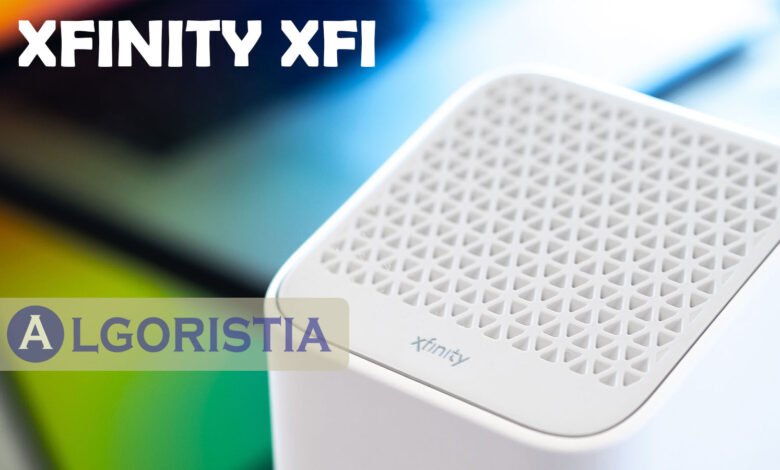
Xfinity xFi is a free tool from Comcast that lets you manage your home WiFi network from one app. It works with your Xfinity Gateway to give you control over speed, devices, and security in your home. Instead of digging through router settings, you can see everything happening on your network in one place. This guide explains what xFi does, how it works, and whether the paid xFi Complete plan is worth adding to your bill.
How Xfinity xFi Works
Xfinity xFi connects to your Xfinity Gateway, which is Comcast’s modem and router combo device. Once connected, you can control your network through the xFi mobile app, the Xfinity website, or your TV using the X1 voice remote. The app shows you every device connected to your WiFi, so you know exactly who and what is using your internet at any moment.
Setup is simple and does not require a technician in most cases. You just download the xFi app, log in with your Xfinity account, and follow the on-screen steps to connect your gateway. From there, you can name your devices, check signal strength in different rooms, and adjust settings without calling customer support.
Key Features of xFi
The xFi app gives you several tools that make managing WiFi easier for everyday households. You can pause the internet for specific devices, which is helpful for controlling screen time for kids. The app also lets you run a speed test, restart your gateway remotely, and set up a guest network for visitors without sharing your main password.
Parental controls are another major feature built into xFi. Parents can block certain websites, set schedules for when internet access turns off, and group devices by family member for easier monitoring. These tools are included at no extra cost as long as you have a compatible Xfinity Gateway.
What Is xFi Complete?
xFi Complete is a paid add-on that costs around 25 dollars per month when added to an existing Xfinity internet plan. It bundles together gateway rental, unlimited data, advanced security, and whole-home WiFi coverage into a single package. In many cases, this combination costs less than paying for each service separately.
The advanced security feature scans your network for threats and blocks unsafe websites automatically. xFi Complete also includes eligibility for xFi Pods, which are small devices that extend WiFi coverage into rooms with weak signal. Households with larger homes or multiple floors often benefit the most from this added coverage.
xFi Pods and Whole-Home Coverage
xFi Pods work together with your xFi Gateway to eliminate dead zones in your home. Instead of relying on one router to cover every room, the pods create a mesh network that spreads WiFi signal more evenly. This setup works well for larger homes, multi-story houses, or homes with thick walls that block signal.
Installing a pod is straightforward since it only requires plugging it into a power outlet. The xFi app then guides you through connecting the pod to your existing network. Comcast recommends placing pods in central locations rather than corners for the best signal spread throughout the home.
Do You Really Need xFi Complete?
Not every household needs xFi Complete, and the right choice depends on your usage habits. If you already have strong WiFi coverage, stay under the standard 1.2 TB monthly data cap, and do not need extra security features, the standard Xfinity internet plan may be enough. Skipping the add-on in this case can lower your monthly bill.
On the other hand, households with many connected devices, frequent 4K streaming, or weak WiFi in certain rooms often find real value in xFi Complete. The unlimited data alone can prevent overage charges, which sometimes cost more than the add-on itself. Reviewing your current data usage and WiFi performance is the best way to decide if the upgrade makes sense for your home.
Managing Your Network Through the xFi App
Beyond basic monitoring, the xFi app allows users to customize their network name and password directly from their phone. This removes the need to access router settings through a web browser, which many users find confusing. Changes made in the app apply instantly to the connected gateway.
The app also sends notifications when new devices join the network, adding a layer of awareness for home security. Users can quickly identify unfamiliar devices and remove them if needed. This feature is particularly useful for households concerned about unauthorized access to their WiFi.
Conclusion
Xfinity xFi makes home WiFi management simple by putting control directly in your hands through one easy app. Whether you stick with the free features or upgrade to xFi Complete, the platform helps you monitor devices, boost coverage, and protect your network without technical hassle.
Frequently Asked Questions
Is Xfinity xFi free to use?
Yes, the basic xFi app and features are free for Xfinity Internet customers who use a compatible xFi Gateway.
How much does xFi Complete cost per month?
xFi Complete typically costs around 25 dollars per month when added to an existing Xfinity internet plan.
Do I need a special router for xFi?
Yes, xFi requires an xFi Wireless Gateway or xFi Advanced Gateway to access its full features.
Can xFi help with weak WiFi signal in my house?
Yes, xFi Pods extend WiFi coverage and reduce dead zones throughout larger or multi-story homes.
Can I pause internet access for a specific device?
Yes, the xFi app lets you pause internet access for individual devices directly from your phone.
Uncover your next favorite read at Algoristia.